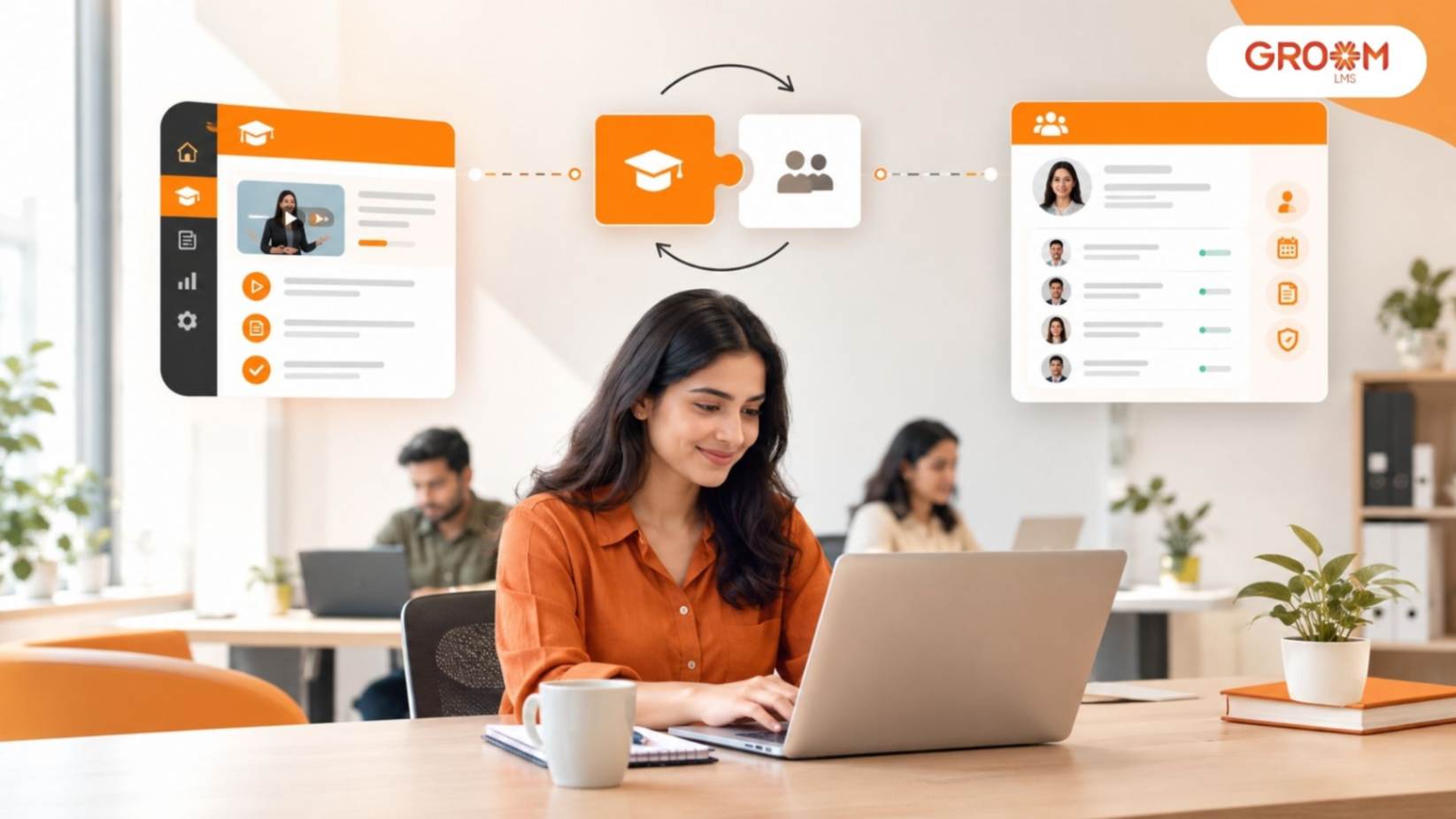
Employee training often starts Human resource management and employee learning are closely connected. From onboarding new employees to developing professional skills and delivering compliance training, organizations need to coordinate workforce information with learning activities. However, when HR systems and learning platforms operate separately, managing employee records, assigning courses, and tracking training progress can become time-consuming.
Many organizations still depend on spreadsheets, manual data entry, emails, and disconnected applications to manage employee development. These processes can create duplicate records, delay training assignments, and make it difficult for HR and L&D teams to maintain accurate information. As workforces grow and training requirements become more complex, businesses need a more connected approach to managing employee information and learning.
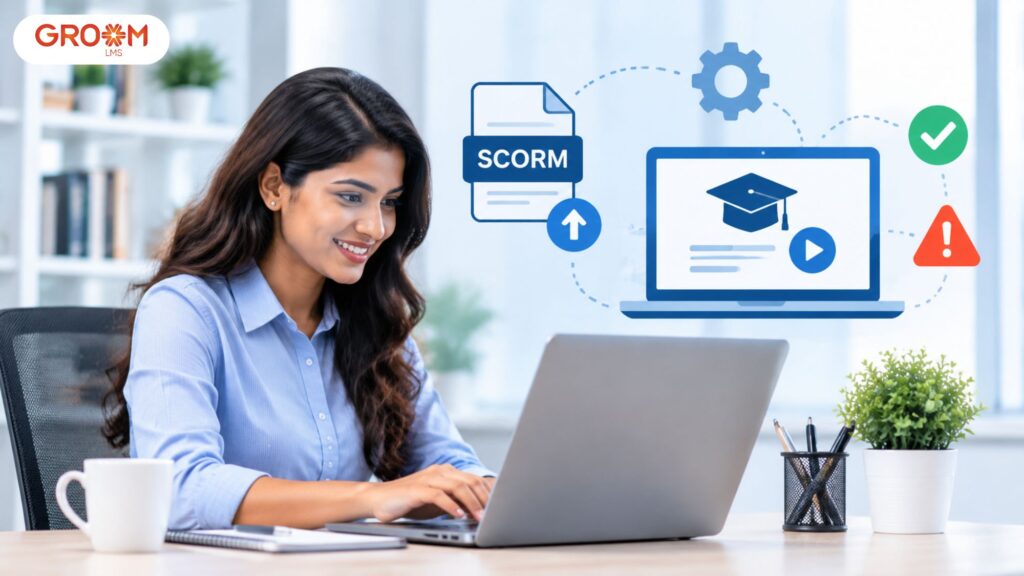
LMS integration with HR software helps bridge this gap by connecting employee management processes with digital learning activities. GroomLMS provides a centralized environment for managing courses, assessments, certifications, learner progress, and training reports. When an LMS works alongside an HR system, organizations can build more coordinated workflows that support employee onboarding, training administration, and continuous workforce development.
What Is LMS Integration with HR Software?
LMS integration with HR software refers to connecting a Learning Management System (LMS) with a Human Resource Management System (HRMS) or other HR software so that relevant employee information and learning activities can work together.
An HR system typically manages employee records, departments, job roles, reporting structures, and employment-related information. An LMS focuses on training delivery, course management, assessments, certifications, and learning progress.
Integration allows relevant data to move between these systems, depending on the available connectors and configuration.
For example, when a new employee joins an organization, the HR system may record the employee’s details and department. An integrated LMS workflow can use approved employee information to support account creation, enrollment, or assignment of relevant onboarding courses.
The goal is to reduce unnecessary manual work and create a more consistent process for managing employee development.
Why Do Businesses Need LMS and HR Software Integration?
As organizations expand, HR teams must manage increasing amounts of employee information while L&D teams handle growing training requirements. When these activities are managed in separate systems, coordinating them can become difficult.
Integration helps connect employee information with training administration.
1. Simplifies Employee Onboarding
New employees often need to complete several training activities shortly after joining an organization.
These may include company orientation, workplace policies, role-specific learning, compliance awareness, and system training.
Without integration, HR teams may need to manually transfer employee details into the LMS and assign the appropriate courses.
An integrated workflow can help streamline these activities by using relevant employee information to support onboarding enrollment and training assignments.
2. Reduces Duplicate Data Entry
Maintaining employee records in multiple systems can lead to repetitive work and inconsistent information.
For example, if an employee changes departments, HR administrators may need to update that information in both the HR system and the LMS.
Where integration supports synchronization, approved updates can be shared between systems, reducing the need for repeated manual entry.
3. Improves Training Administration
HR and L&D teams need to coordinate training according to employee roles, departments, responsibilities, and organizational requirements.
Integration can make it easier to use employee information when organizing learning activities.
For example, a business could assign role-specific courses to employees based on their department or job category, provided the relevant integration and LMS rules support this workflow.
4. Creates Better Visibility Into Employee Development
HR teams need to understand whether employees are completing required training and developing relevant skills.
An integrated environment can make it easier to connect employee information with available learning records and reports.
Depending on the systems involved, managers may be able to review course completion, assessment results, certification status, and learning progress alongside relevant workforce information.
This can support more informed workforce development decisions.
5. Supports Organizational Growth
As businesses hire more employees and expand into new departments or locations, manual training administration can become increasingly difficult.
Integration can help standardize workflows and reduce the amount of repetitive work required to manage employee learning at scale.
However, the actual benefits depend on system capabilities, data quality, and how effectively the integration is configured.
Key Benefits of LMS Integration with HR Software
Connecting an LMS with HR software can provide several operational advantages when the integration aligns with business requirements.
Automated Employee Data Synchronization
Integration can help transfer selected employee information between systems, reducing the need to maintain the same data manually in multiple places.
Depending on the setup, this may include employee identifiers, names, departments, job roles, and employment status.
Organizations should define which system is the authoritative source for each data field to prevent conflicting updates.
More Efficient Training Assignments
Employee information can help determine which learning activities are relevant to specific roles or departments.
For example, new sales employees may receive product training, while managers may be assigned leadership development courses.
Integration can support these workflows when the systems provide the necessary data and assignment functionality.
Improved Compliance Training Management
Organizations often need to assign mandatory training to specific employee groups and maintain completion records.
Connecting HR information with LMS records can help identify relevant learners and support more consistent assignment of required courses.
Training administrators should still verify that the assignment rules match the organization’s policies and applicable requirements.
Better Employee Records
When systems exchange relevant information correctly, HR and L&D teams can spend less time reconciling duplicate records.
This can help improve consistency across employee management and training administration.
Reduced Administrative Workload
Automating repetitive activities such as employee data transfers, enrollment workflows, and selected notifications can reduce manual effort.
This allows HR and L&D professionals to focus more on employee support, learning strategy, and workforce development.
More Connected Reporting
Integration can help organizations combine relevant workforce information with learning data.
For example, a company may want to review training completion by department or compare learning participation across employee groups.
The availability of these reports depends on the capabilities of the connected systems and the organization’s reporting setup.
Common Use Cases for LMS and HR Software Integration
Different organizations can use integration to support different stages of the employee lifecycle.
1. New Employee Onboarding
When an employee joins, the HR system records relevant information about their role, department, and joining status.
An integrated workflow can use that information to support LMS account setup and assign onboarding courses.
2. Department and Role Changes
Employees may move between departments, receive promotions, or take on new responsibilities.
Where supported, HR system updates can help trigger changes to learning assignments.
For example, an employee promoted to a management role may need leadership development training that was not part of their previous learning path.
3. Mandatory Training Assignments
Organizations may need different employee groups to complete specific training.
HR information can help determine which employees belong to the relevant departments, roles, or locations.
The LMS can then manage the corresponding assignments and track completion, depending on the configured workflow.
4. Employee Offboarding
When an employee leaves an organization, the HR system records the relevant employment status.
An integration may help communicate that change to the LMS so that account access and learning assignments can be reviewed according to organizational policies.
Access removal should be governed by clear security procedures and tested carefully to avoid unauthorized access.
5. Workforce Development Reporting
HR and L&D teams may want to understand how training participation relates to employee roles, departments, or development plans.
Integrated data can help provide a more connected view of workforce learning.
However, organizations should avoid assuming that course completion alone proves improved job performance. Learning metrics should be considered alongside relevant business and employee outcomes.
What Data Can Be Shared Between an LMS and HR Software?
The information exchanged depends on the systems, integration method, permissions, and organizational requirements.
| Data Category | Example Information | Potential Purpose |
|---|---|---|
| Employee details | Employee ID and name | Identify learners consistently |
| Organizational structure | Department and reporting unit | Organize employee groups |
| Job information | Role or job category | Support relevant course assignments |
| Employment status | Active, inactive, or separated | Manage access and enrollment workflows |
| Learning assignments | Assigned courses or learning paths | Coordinate training activities |
| Learning progress | Completion status and assessment results | Support training reports |
| Certifications | Completion and certification records | Monitor learning achievements |
Not every integration supports all these data categories. Organizations should verify the available fields and establish clear data-sharing rules before implementation.
How to Integrate an LMS with HR Software
A successful integration requires planning, technical coordination, and clear ownership of employee data.
Step 1: Define Integration Objectives
Start by identifying the problems the organization wants to solve.
These may include reducing duplicate data entry, simplifying onboarding, improving training assignments, or creating more connected reports.
Clear objectives help determine which systems and workflows need to be connected.
Step 2: Review Existing Systems
Evaluate the current HR software and LMS to understand their capabilities.
Check whether they provide native integrations, APIs, supported connectors, or other data exchange options.
Do not assume that every platform supports real-time synchronization or identical integration features.
Step 3: Identify Required Data Fields
Determine which employee information needs to move between systems.
For example, onboarding automation may require an employee identifier, department, job role, and employment status.
Sharing only the information needed for the intended workflow can reduce complexity and unnecessary exposure of personal data.
Step 4: Establish Data Ownership
Decide which system is responsible for maintaining each type of information.
For example, HR software may be the authoritative source for employment status, while the LMS maintains course completion and assessment records.
Clear ownership helps prevent conflicting updates and inconsistent reporting.
Step 5: Configure and Test the Integration
Work with the relevant technical teams or implementation partners to configure the connection.
Test important scenarios, including new employee creation, department changes, duplicate records, inactive accounts, and failed data transfers.
Testing should also confirm that permissions and access controls work as expected.
Step 6: Train Administrators and Users
HR administrators, L&D teams, and IT personnel should understand how the integrated workflow operates.
Training should explain routine processes, common errors, reporting responsibilities, and the steps required when synchronization fails.
Step 7: Monitor and Improve
After implementation, monitor data accuracy, synchronization failures, training assignments, and administrative workload.
Regular reviews help organizations identify issues and refine the integration as business requirements evolve.
Common Challenges in LMS and HR Software Integration
Although integration can simplify training administration, organizations should prepare for potential challenges.
Incompatible Systems
Some platforms may not support the required data exchange methods or workflows.
Businesses should verify compatibility and integration requirements before selecting or connecting systems.
Inconsistent Employee Records
Different employee identifiers, outdated records, or duplicate profiles can create synchronization problems.
Organizations should clean existing data and establish consistent employee identification rules.
Data Privacy and Security
Employee information should be shared only when necessary and according to organizational policies and applicable requirements.
Use appropriate access controls, secure data transfer methods, and clear retention practices.
Integration Costs and Maintenance
Implementation may require technical resources, configuration, testing, and ongoing maintenance.
Organizations should consider both initial and continuing costs when evaluating the business case.
Limited Internal Expertise
Some integrations may require support from IT teams or external implementation specialists.
Clear documentation and administrator training can help reduce long-term dependency on individual technical resources.
Security and Data Privacy Considerations
HR systems and LMS platforms can contain personal employee information and training records. Integrating them therefore requires appropriate data governance.
Organizations should consider the following practices:
Limit data sharing: Transfer only the fields required for the intended workflow.
Use role-based access: Restrict employee information and training records to authorized users.
Protect data transfers: Use secure, supported integration methods.
Define retention rules: Establish how long different records should be retained and when they should be archived or removed.
Monitor synchronization: Maintain appropriate logs and review failed or unexpected data transfers.
Review permissions: Ensure that employees who change roles or leave the organization receive appropriate access updates.
The specific controls should reflect the systems involved, the sensitivity of the data, and applicable organizational and legal requirements.
How GroomLMS Supports Connected Employee Learning
GroomLMS provides a centralized learning environment for organizations that need to create, deliver, manage, and track employee training.
Its learning capabilities include course management, assessments, certifications, learner tracking, analytics, dashboards, multimedia learning, SCORM, xAPI, and virtual instructor-led training.
When evaluating LMS integration with HR software, organizations should review the available integration options and confirm that the required HR platform, data fields, and workflows are supported.
Connecting employee information with learning activities can help organizations create more structured onboarding programs, organize role-based training, and improve visibility into employee development.
For example, an organization could use HR data to identify new employees and determine their departments, then use the LMS to manage relevant onboarding courses and track completion. HR and L&D teams could review the resulting learning records to identify outstanding training and provide additional support.
GroomLMS can also support ongoing employee development beyond onboarding, including compliance learning, product training, professional development, and leadership programs.
The right integration approach depends on the organization’s existing technology environment, data governance requirements, and learning objectives.
Best Practices for Successful LMS and HR Integration
Organizations can improve integration outcomes by following a structured approach.
Start with clear objectives: Define the administrative or learning problem the integration should solve.
Verify compatibility: Confirm that the required systems and workflows are supported.
Maintain clean data: Standardize employee identifiers and resolve duplicate or outdated records.
Define data ownership: Decide which system maintains each type of information.
Prioritize security: Apply appropriate access controls and data-sharing rules.
Test important scenarios: Validate onboarding, role changes, offboarding, and synchronization failures.
Train administrators: Make sure HR, L&D, and IT teams understand the integrated workflow.
Review performance regularly: Monitor data accuracy, workflow reliability, and administrative efficiency.
The Future of LMS and HR Software Integration
Employee management and workplace learning are becoming increasingly connected.
Organizations are looking for ways to link workforce planning, employee onboarding, skills development, performance management, and training records through more coordinated digital workflows.
As integration capabilities evolve, businesses may be able to use workforce data more effectively to identify learning requirements and organize development opportunities.
Artificial intelligence may also support areas such as learning recommendations, content development, and workforce analytics. However, organizations should maintain appropriate oversight to ensure that recommendations are relevant, employee information is protected, and decisions are made responsibly.
The goal is not simply to connect two applications. It is to create a reliable flow of information that helps HR and L&D teams manage employee development more effectively.
Conclusion
LMS integration with HR software helps organizations connect employee information with training administration, making it easier to coordinate onboarding, manage learning assignments, maintain training records, and review employee development.
By reducing duplicate data entry and connecting relevant workflows, integration can simplify administrative processes and provide better visibility into learning activity. However, successful implementation requires compatible systems, reliable employee data, clear data ownership, appropriate security controls, and ongoing monitoring.
GroomLMS provides capabilities for managing digital training, assessments, certifications, learner progress, and reporting. Organizations evaluating an LMS and HR integration should confirm that their required systems and workflows are supported and align the implementation with their broader workforce development strategy.
When employee information and learning activities work together effectively, businesses can create a more connected approach to onboarding, training administration, and continuous professional development.
Connect Employee Management With Smarter Learning
Bring greater structure to employee development with GroomLMS. Organize training programs, manage assessments, monitor learner progress, and support continuous learning through a centralized platform.
Contact Us | Join GroomLMS | Chat on WhatsApp
Frequently Asked Questions (FAQs)
What is LMS integration with HR software?
LMS integration with HR software connects a learning management system with an HRIS or HRMS. It allows relevant employee information to support learning and training workflows.
How does LMS integration improve employee training?
It can reduce duplicate data entry, simplify onboarding, support role-based learning, automate recurring training, and improve visibility into employee progress.
Can LMS integration automate employee onboarding?
Yes. An integrated LMS can use relevant employee information to support onboarding workflows and assign appropriate training based on factors such as role or department.
What is the benefit of integrating an LMS with an HRIS?
The main benefit is a more connected employee lifecycle. HR information can support learning assignments, while training records can provide useful insight into employee development.
Can GroomLMS support different employee training needs?
Yes. GroomLMS supports course delivery, assessments, certifications, virtual training, analytics, and dashboards. These capabilities can support onboarding, compliance, employee development, and role-based learning.