
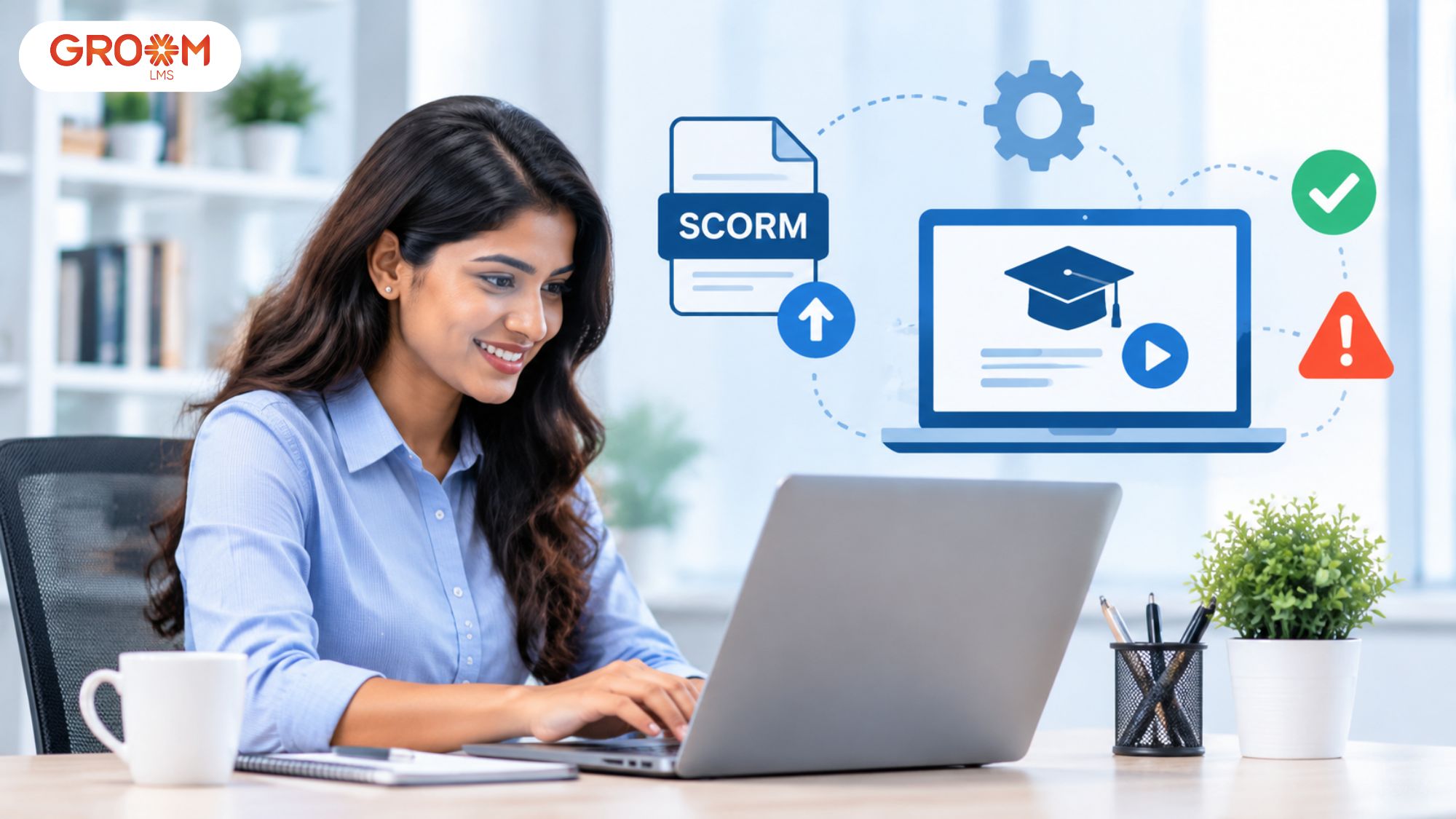
A SCORM course may work perfectly during development but fail after being uploaded to a Learning Management System (LMS). Sometimes, learners cannot launch the course. In other cases, completion records, quiz scores, or progress tracking do not work correctly.
These problems can interrupt employee training and create additional work for L&D teams. They also make it difficult to maintain consistent learning experiences across an organisation.
This is where professional SCORM file development services become valuable. They help organisations create, package, test, and optimise e-learning courses for reliable LMS delivery.
However, developing a SCORM package is only one part of the process. Teams must also understand uploading SCORM files in LMS environments and resolving errors when a SCORM file is not working in LMS platforms.
With GroomLMS, organisations can manage their SCORM-based training within a dedicated learning environment. This makes it easier to deliver courses, monitor learner progress, and manage training activities without unnecessary technical complexity.
Let’s explore how the process works and how to avoid common SCORM-related problems.
What Are SCORM File Development Services?
SCORM stands for Sharable Content Object Reference Model. It is a technical standard that helps e-learning content communicate with compatible Learning Management Systems.
SCORM file development services involve creating, packaging, testing, and preparing digital courses for delivery through an LMS.
A SCORM course can contain several learning elements, including:
- Interactive lessons and presentations.
- Instructional videos and animations.
- Knowledge checks and quizzes.
- Learner progress and completion tracking.
- Assessment scores and course status information.
A completed SCORM course is generally exported as a ZIP package. It contains learning resources and a configuration file called imsmanifest.xml.
This manifest describes the course structure and identifies the resources required to launch it. The LMS reads this information when importing the package.
According to the ADL SCORM 2004 technical documentation, SCORM supports interoperability between compliant learning content and LMS environments.
Professional SCORM file development services help ensure that content is correctly structured, tested, and prepared for the intended LMS.
Why Do Businesses Need SCORM-Based E-Learning?
Consider an organisation with employees working across different locations. Its L&D team wants everyone to complete the same product training programme.
Instead of distributing separate presentations and videos, the organisation can use a SCORM course within its LMS.
Employees access the same structured lessons, complete assessments, and record their progress. Training managers can then review available completion and assessment information.
This approach is useful for:
- Employee onboarding and induction.
- Compliance and policy training.
- Product and process training.
- Technical skill development.
- Customer and partner education.
However, the experience depends on proper course development and LMS compatibility.
What Do Professional SCORM File Development Services Include?
Creating a SCORM package requires more than converting existing documents into a ZIP file. The content must be structured, configured, and tested for its intended learning environment.
Here are the important activities involved.
1. Learning Content Analysis
The first step is understanding the training requirement, target learners, and expected outcomes.
Existing presentations, documents, videos, and subject matter expert knowledge can be reviewed. The content is then organised into suitable learning modules.
2. Instructional Design and Course Development
Instructional design helps convert information into meaningful learning experiences.
Developers organise lessons, create learning activities, and establish appropriate assessments. The objective is to make content understandable and relevant.
3. SCORM Packaging
Once the course is developed, it is published in the required SCORM format.
The package includes the manifest, supporting resources, and files required for course delivery. The selected SCORM version should match the target LMS requirements.
4. Assessment and Tracking Configuration
A SCORM course can communicate different types of learner information to an LMS.
Depending on the SCORM version and implementation, this may include:
- Course completion status.
- Assessment scores.
- Pass or fail status.
- Learner progress.
- Time spent in the course.
These settings should be tested before the course is distributed.
5. Compatibility Testing
The final package should be tested in a suitable SCORM-compatible environment.
Testing helps identify missing files, launch problems, incorrect completion settings, and tracking issues.
This is an important part of professional SCORM file development services because a course that works on a developer’s computer may behave differently inside an LMS.
How to Upload SCORM Files in LMS: A Step-by-Step Guide
Uploading SCORM files in LMS platforms allows organisations to deliver packaged e-learning courses through a central learning environment.
Although the exact interface varies between platforms, the general process follows these steps.
Step 1: Prepare the SCORM Package
Start by checking the exported SCORM ZIP file.
Make sure the package contains the required files and that imsmanifest.xml is located in the ZIP root directory.
Avoid uploading an extracted course folder unless the LMS specifically requests that format.
Step 2: Log In to Your LMS
Access your LMS using an administrator, instructor, or course manager account with appropriate permissions.
Open the course management area and select the course where the SCORM package needs to be added.
Step 3: Locate the SCORM Upload Option
Look for an option such as:
- Add activity or resource.
- Import course content.
- Upload SCORM package.
- Add SCORM activity.
The exact terminology depends on the LMS.
For uploading SCORM files in LMS environments, always check the platform’s supported SCORM versions before proceeding.
Step 4: Upload the ZIP Package
Select the SCORM ZIP file from your device and upload it.
Wait until the upload and processing stages are complete. Avoid closing the browser while the package is being processed.
If the LMS displays an import error, check the file format, package structure, and upload size.
Step 5: Configure Course Settings
After uploading, review the available course settings.
These may include:
- Course display and launch settings.
- Completion requirements.
- Assessment and grading options.
- Attempt limits.
- Learner access permissions.
Choose settings according to the training objectives.
Step 6: Save and Preview the Course
Save the configuration and launch the course using a learner account.
Check whether lessons open correctly, navigation works, and assessments function as expected.
Step 7: Verify Learner Tracking
Complete a test attempt and review the information recorded by the LMS.
Check completion status, scores, and progress wherever supported.
Following these steps makes uploading SCORM files in LMS platforms more predictable and reduces avoidable publishing problems.
Why Is Your SCORM File Not Working in LMS?
Even correctly developed courses can encounter technical issues after deployment.
Understanding why a SCORM file is not working in LMS environments helps administrators identify whether the problem comes from the package, LMS configuration, browser, or course communication.
Here are common problems and their solutions.
1. Missing or Incorrect imsmanifest.xml File
Common package error
The LMS may fail to recognise a course if its manifest is missing, incorrectly named, or placed inside an additional folder.
Solution: Extract the ZIP file and inspect its root directory. Confirm that imsmanifest.xml is present and that its referenced resources exist.
2. SCORM Course Fails to Launch
Sometimes, a course uploads successfully but does not open when learners click Launch.
Possible causes include incorrect resource paths, missing assets, JavaScript errors, or browser restrictions.
Solution: Check the browser console for errors and verify that the required course files are accessible. Also, test the package in another supported browser.
3. Course Completion Is Not Recorded
Learners may finish all lessons, but their LMS dashboard still shows the course as incomplete.
This can happen when completion settings are incorrectly configured or the course does not send the expected completion information.
Solution: Review the authoring tool’s reporting settings and the LMS completion criteria. Complete a fresh test attempt to verify the result.
4. Quiz Scores Are Not Appearing
Another common issue occurs when learners complete assessments but their scores do not appear in LMS reports.
This may involve incorrect reporting settings, score configuration, or communication between the course and LMS.
Solution: Check the selected SCORM reporting settings and verify score transmission using a test learner account.
5. SCORM Package Upload Fails
An upload may fail because the ZIP archive is corrupted, incorrectly packaged, or contains an unsupported structure.
Solution: Re-export the course and verify the ZIP file. Ensure the manifest is at the root level and check the LMS file-size restrictions.
6. SCORM Course Works on One Browser but Not Another
Browser compatibility, blocked pop-ups, cookie restrictions, and security settings can affect course behaviour.
Solution: Test the course using supported browsers and review browser permissions. Check whether pop-ups or required cookies are being blocked.
If a SCORM file is not working in LMS environments despite these checks, isolate the issue before changing the entire course.
Rustici Software’s SCORM troubleshooting guide recommends inspecting browser console errors and checking missing or incorrectly referenced resources.
How to Troubleshoot SCORM Errors Systematically
When a SCORM file is not working in LMS platforms, repeatedly uploading the same package rarely solves the underlying issue.
A structured troubleshooting process helps identify the actual cause.
Follow this approach:
- Reproduce the error: Launch the course using a test learner account and note where the problem occurs.
- Check the package: Verify the ZIP archive, manifest file, resource paths, and supporting assets.
- Test independently: Use a SCORM testing environment, such as SCORM Cloud, to check whether the course works outside your LMS.
- Review tracking: Check whether the course sends completion status, scores, and other expected information.
- Check LMS configuration: Review supported SCORM versions, launch settings, permissions, and completion rules.
- Republish if necessary: Correct the source course and export a fresh package before uploading it again.
Testing independently is particularly useful. If the course fails in an external SCORM testing environment, the package may need correction. If it works independently but fails in your LMS, investigate platform configuration and compatibility.
For persistent issues, share the error message, browser console information, SCORM version, and package with your technical support team.
This approach makes SCORM file not working in LMS troubleshooting more organised and prevents unnecessary changes to functioning course content.
Why Choose GroomLMS for SCORM File Development Services?
Selecting the right LMS and course development partner is important for organisations that want reliable digital training.
GroomLMS combines learning management capabilities with digital course development and instructional design services. This helps businesses address both course creation and learning delivery requirements.
Here is what makes GroomLMS a practical choice.
1. Complete Digital Course Development Support
GroomLMS supports digital course development, instructional design, and multimedia development.
Organisations can transform existing training materials into structured digital learning experiences. This is useful when internal teams lack dedicated course development resources.
2. SCORM and xAPI Learning Support
GroomLMS supports SCORM and xAPI, helping organisations manage standardised digital learning content within their learning environment.
This is particularly relevant for businesses with existing e-learning libraries or plans to introduce packaged training courses.
3. Simplified LMS Management
Managing courses, learners, and training activities should not require continuous technical assistance.
Organisations can create a GroomLMS instance online within seconds and manage their learning environment without continuous technical dependency.
They can also upgrade or downgrade subscriptions instantly as their requirements change.
4. Assessments, Certifications, and Analytics
Training does not end when learners open a course.
GroomLMS supports assessments, certifications, analytics, and dashboards. These capabilities help organisations organise learning activities and review available training information.
5. Scalable Learning Environment
A growing organisation may begin with employee onboarding and later introduce compliance, product, or professional development programmes.
GroomLMS supports different organisational requirements, including startups, MSMEs, enterprises, institutions, and government organisations.
6. Recognised and Trusted Learning Platform
GroomLMS is recognised among the Top 10 LMS platforms in India by Siliconindia Magazine and is trusted by 100+ corporate customers globally.
Its combination of learning management and e-learning services makes it a relevant option for organisations seeking support beyond basic course hosting.
7. Consultation and Ongoing Assistance
Organisations may need help understanding their requirements, designing courses, implementing learning programmes, and monitoring delivery.
GroomLMS supports consultation, design, implementation, monitoring, and ongoing assistance. This helps teams approach digital learning with a more organised plan.
How to Choose the Right SCORM File Development Partner
Before selecting a provider, evaluate whether its services address your actual course development and delivery requirements.
Consider these factors:
- Technical knowledge: Check experience with SCORM packaging, course publishing, and LMS compatibility.
- Instructional design: Ensure the provider can organise content around clear learning objectives.
- Testing process: Ask how the provider checks course launches, assessments, completion, and tracking.
- Customisation: Confirm whether courses can be developed around your organisation’s training requirements.
- LMS compatibility: Discuss supported SCORM versions and the target platform before development begins.
- Post-development support: Understand whether assistance is available when a course needs correction or updating.
A suitable development partner should understand both the learning objectives and the technical requirements.
For organisations exploring professional digital course development services, GroomLMS offers relevant capabilities across instructional design, multimedia development, and learning management.
Conclusion
Successful SCORM-based training requires more than creating a course and uploading its ZIP package. Organisations need properly developed content, compatible packaging, accurate tracking settings, and reliable testing before making courses available to learners.
Understanding the process of uploading SCORM files in LMS platforms helps administrators avoid common publishing mistakes. Similarly, knowing how to approach SCORM file not working in LMS troubleshooting makes it easier to identify package errors, launch problems, and tracking issues.
Professional SCORM file development services can simplify these activities by bringing course design, development, packaging, and testing into a structured workflow.
GroomLMS supports organisations through digital course development, instructional design, multimedia learning, SCORM and xAPI support, assessments, certifications, and learning analytics. Its simplified platform management also helps businesses deliver and monitor training without unnecessary technical dependency.
Whether you are introducing your first digital course or expanding an existing training library, choosing the right development and LMS support can make the process easier to manage.
Focus on creating useful learning experiences, testing them properly, and selecting a platform that can support your organisation’s evolving training needs.
Improve SCORM Course Development and Delivery with GroomLMS
Discover how GroomLMS empowers your organization to streamline training, enhance learner engagement, and deliver impactful learning experiences with an AI-powered LMS built for growth.
Contact Us | Join GroomLMS | Chat on WhatsApp
Frequently Asked Questions (FAQs)
What is the difference between SCORM 1.2 and SCORM 2004?
SCORM 1.2 provides basic course communication and tracking. SCORM 2004 introduces additional capabilities, including sequencing and navigation between learning activities.
Can an existing PowerPoint presentation be converted into a SCORM course?
Yes. Existing presentations can be converted into interactive SCORM courses by adding structured lessons, assessments, navigation, and tracking functionality.
How can I check whether a SCORM package is compatible with my LMS?
Check your LMS documentation for supported SCORM versions and test the exported package in the target environment before distributing it to learners.
Can SCORM courses be updated after uploading them to an LMS?
Yes. You can update the original course, export a revised SCORM package, and replace or update the existing LMS content. Check how your LMS handles learner progress during course replacement.
Does an LMS need special software to run SCORM courses?
An LMS needs SCORM-compatible functionality to launch courses and communicate learner information. No separate SCORM application is generally required for learners.