Tracking employee compliance training can become difficult when HR and L&D teams rely on spreadsheets, emails, and manual records. As organisations grow, it becomes harder to monitor course completion, assessments, certifications, and overdue training.
An LMS provides a centralised way to assign training, monitor employee progress, manage assessments, and generate reports. However, choosing the right platform matters. The best LMS for compliance training should provide clear visibility while reducing repetitive administrative work.
GroomLMS helps organisations manage digital courses, assessments, certifications, dashboards, analytics, and training records from one learning environment. This makes it easier for teams to organise and monitor compliance training as their requirements grow.
This guide explains how an LMS can simplify employee compliance training and what features to consider when choosing a platform.
What Is Compliance Training Tracking?
Compliance training tracking is the process of monitoring whether employees have been assigned, completed, and passed required training.
In practice, it can include:
- Training assignments
- Completion status
- Assessment results
- Certification status
- Training dates
- Overdue courses
- Refresher training
- Employee and department reports
The exact records required depend on the regulation, industry, and training programme. For example, OSHA guidance states that certain training records may need to include employee identification and training dates.
Therefore, compliance tracking is not simply about counting course completions. It is about maintaining reliable evidence of the learning activity your organisation is required to document.
Why Manual Compliance Training Tracking Becomes Difficult
Manual tracking may work when a company has a small workforce and only a few training requirements. However, the process becomes increasingly complicated as training programmes expand.
Imagine an HR manager maintaining a spreadsheet for 500 employees. One column shows course completion. Another records assessment scores. Additional columns track certificates and renewal dates.
Now add new employees, transfers, multiple departments, annual refresher courses, and changing policies.
A simple spreadsheet can quickly become a maze.
Common problems include:
- Missing or outdated records
- Delayed reminders
- Difficulty identifying overdue employees
- Duplicate data entry
- Limited visibility across departments
- Time-consuming report preparation
- Greater risk of human error
Current compliance-training platforms commonly address these problems through automated assignments, reminders, dashboards, and reporting.
An LMS does not remove the need for good compliance processes. Instead, it gives teams a structured system for managing them.
How to Track Employee Compliance Training with an LMS
A well-configured LMS can turn compliance tracking into a repeatable workflow.
1. Define the Required Training
Start by identifying which employees need which courses.
For example, a company may require:
- Code of conduct training for all employees
- Data privacy training for teams handling personal information
- Workplace safety training for operational staff
- POSH training according to organisational requirements
- Information security training for relevant users
Role, department, location, job responsibilities, and regulatory requirements can help determine the appropriate learning path.
2. Assign Training to Employees
Once requirements are defined, assign the relevant courses to employees.
A centralised LMS makes this easier because administrators can manage courses and learners within the same environment.
For larger organisations, role-based or group-based assignment can reduce repetitive administration. It also helps ensure that employees receive training that actually applies to their responsibilities.
3. Set Completion Deadlines
Compliance training often has deadlines.
Therefore, each programme should have a clear completion date where applicable. This gives employees a defined learning window and gives administrators a measurable target.
Deadlines are particularly useful when organisations need recurring training or periodic refreshers.
4. Monitor Progress
After training begins, administrators should be able to see who has started, completed, or not completed a course.
This is where dashboards become especially useful.
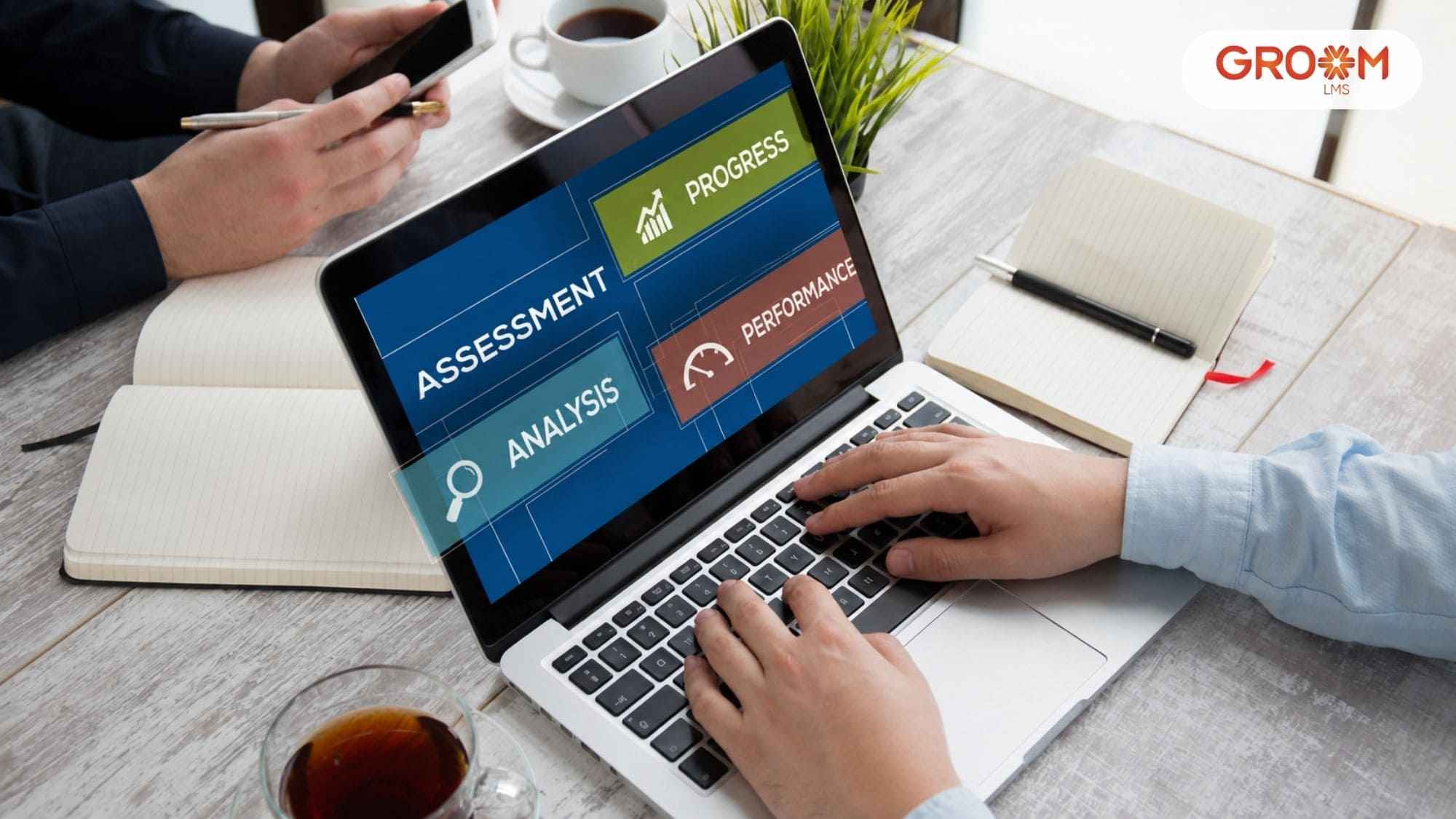
Instead of opening individual records, an administrator can review training activity from a central view. GroomLMS provides reporting and analytics capabilities covering employee progress, course completion, assessments, certifications, and compliance reporting.
This visibility allows L&D and HR teams to identify gaps before they become larger administrative problems.
5. Use Assessments to Check Understanding
Completion alone does not always demonstrate understanding.
For example, an employee might watch an entire data privacy course but still misunderstand how sensitive information should be handled.
Assessments can provide another layer of evidence.
Knowledge checks, quizzes, scenario-based questions, and tests can help evaluate whether employees understood the material. GroomLMS supports multiple assessment formats and progress tracking within its online testing capabilities.
For compliance learning, scenario-based questions can be particularly useful because they connect policies with realistic workplace decisions.
6. Track Certifications and Renewals
Some training programmes involve certificates or recurring requirements.
Therefore, an effective tracking system should make it easier to identify current, expiring, and completed certifications where applicable.
An LMS can centralise this information instead of forcing administrators to maintain separate files.
GroomLMS includes automated certificate capabilities alongside course completion and reporting features.
7. Generate Compliance Reports
Reporting is one of the most important parts of compliance tracking.
A useful report should help answer questions such as:
- Who completed the required training?
- Who is overdue?
- Which employees have passed the assessment?
- Which departments have training gaps?
- Which certifications require attention?
- When was training completed?
For some regulated activities, organisations may also need accessible records showing that required training took place. OSHA, for example, describes circumstances where employers must maintain training records and make them available for inspection.
The exact documentation requirements vary by regulation, so organisations should always verify the applicable rules.
What Should You Look for in the Best LMS for Compliance Training?
Choosing an LMS for compliance requires more than checking whether it can host an online course.
Look for a platform that supports the complete training cycle.
Centralised Course Management
Compliance courses should be easy to organise, update, assign, and manage from one environment.
This becomes particularly important when an organisation has multiple compliance programmes.
Progress and Completion Tracking
Administrators should have clear visibility into employee progress.
A good system should make it easy to identify completed, ongoing, and overdue training.
Assessments and Certifications
The LMS should support assessments where knowledge needs to be evaluated. It should also support certificates where the training programme requires them.
Reporting and Analytics
Reporting should turn learning data into useful information.
GroomLMS offers customisable reports, dashboards, real-time analytics, course completion reporting, and compliance and audit reporting capabilities.
Scalability
The platform should continue to work as the organisation grows.
That means supporting additional learners, courses, departments, and training programmes without creating unnecessary administrative complexity.
Content Compatibility
If your organisation already uses digital learning content, check whether the LMS supports relevant standards.
SCORM, for example, allows compatible e-learning content to communicate information such as completion, scores, time, and pass or fail status with an LMS.
How Automation Can Simplify Compliance Training
Automation can reduce repetitive administrative work.
Instead of manually checking a spreadsheet every week, an LMS can support structured workflows for assignments, reminders, assessments, certifications, and reporting.
A practical compliance workflow can look like this:
Employee added → Training assigned → Deadline set → Course completed → Assessment recorded → Certificate issued → Progress reported
This structure creates a consistent process.
It also makes it easier for HR, L&D, and compliance teams to understand what is happening without repeatedly collecting information from different sources.
GroomLMS provides compliance training capabilities that include tracking, reporting, assessments, certifications, and automated reminders.
However, automation should support a well-designed training programme. It should not replace human review of compliance requirements or learning content.
How GroomLMS Supports Compliance Training Tracking
GroomLMS provides a centralised environment for organisations managing employee learning and compliance programmes.
Its capabilities include course management, assessments, certifications, dashboards, analytics, and reporting. The platform also supports SCORM and xAPI for digital learning requirements.
For compliance teams and L&D professionals, this can help bring several activities into one learning environment.
For example, a company could create a compliance course, assign it to relevant employees, assess their understanding, monitor completion, issue certificates, and review training reports.
The platform is also designed for organisations that want greater independence in managing their learning environment rather than relying on continuous technical support.
That matters because compliance training is rarely a one-time project. Courses may need updates, employees may change roles, and new training requirements may emerge.
Best Practices for Better Compliance Training Tracking
Technology works best when the underlying process is clear.
Follow these practices:
- Map training to roles. Not every employee needs every course.
- Set clear deadlines. Employees should know when mandatory training must be completed.
- Use assessments thoughtfully. Measure understanding rather than relying only on completion.
- Review reports regularly. Do not wait until an audit or internal review to discover gaps.
- Keep content current. Review compliance courses whenever relevant policies or requirements change.
- Track recurring training. Maintain visibility into refresher courses and certification cycles where applicable.
- Protect training records. Access to employee and compliance data should be managed responsibly.
NIST’s guidance on cybersecurity and privacy learning programmes also emphasises managing training as an ongoing lifecycle, using metrics and evaluation to improve programmes over time.
Conclusion
Effective compliance training requires more than assigning courses. Organisations also need a reliable way to monitor completion, assess understanding, manage certifications, and identify training gaps.
The best LMS for compliance training brings these activities into one structured environment. With features such as tracking, assessments, dashboards, analytics, and reporting, HR, L&D, and compliance teams can spend less time managing spreadsheets and more time improving employee learning.
GroomLMS provides these capabilities in a centralised learning environment, helping organisations manage and scale their compliance training programmes more efficiently.
Simplify Compliance Training with GroomLMS
Manage employee compliance training, track learner progress, and streamline training administration with GroomLMS.
Contact Us | Join GroomLMS | Chat on WhatsApp
Frequently Asked Questions(FAQs)
What is compliance tracking via LMS?
Compliance tracking via LMS is the process of managing, monitoring, and documenting mandatory employee training using a learning management system. It automates course assignments, progress tracking, certifications, and reporting.
Why should organizations use an LMS for compliance tracking?
An LMS reduces manual work, improves training completion rates, generates audit-ready reports, tracks certifications, and helps organizations meet regulatory requirements more efficiently.
What features should a compliance LMS include?
A compliance LMS should provide automated course assignments, certification management, assessment tools, reporting dashboards, mobile learning, reminders, and secure data management.
How does GroomLMS improve compliance management?
GroomLMS automates compliance workflows, tracks employee progress in real time, generates certificates, provides detailed analytics, and helps organizations manage compliance without continuous IT support.
Can GroomLMS support organizations with multiple locations?
Yes. GroomLMS is designed to support startups, MSMEs, enterprises, educational institutions, and organizations with distributed teams through centralized compliance management.