
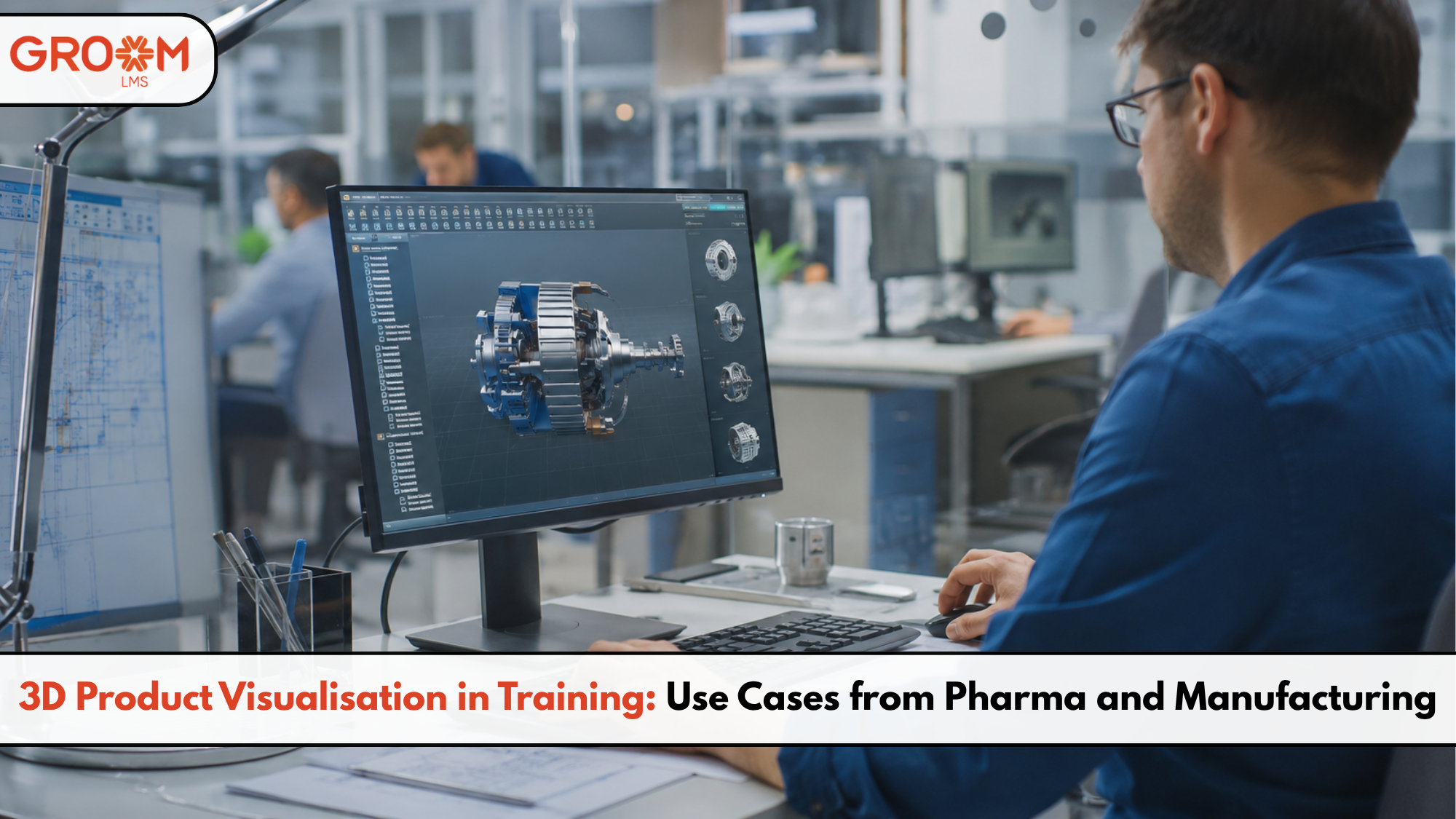
Training employees on complex products, machines, and processes is rarely simple. A manual can explain the steps, but it cannot always show what happens inside a machine or product.
That is where 3D product visualisation in training becomes valuable. It allows learners to explore products, components, and processes through detailed digital models. As a result, employees can understand complex concepts without depending entirely on physical equipment.
This approach is especially useful in industries such as pharmaceuticals and manufacturing. Both sectors involve technical products, strict procedures, and processes where mistakes can be costly.
Moreover, 3D learning can make training more interactive. Employees can examine components, understand workflows, and practise procedures in a controlled environment.
For organizations building scalable digital training, platforms such as GroomLMS can support structured learning experiences alongside interactive content. This makes it easier for L&D teams to deliver training across different teams and locations.
So, where can organizations use 3D product visualisation effectively? Let’s explore some practical examples.
What Is 3D Product Visualisation in Training?
3D product visualisation uses digital three-dimensional models to help learners understand products, equipment, components, or processes.
Instead of relying only on photographs or traditional videos, learners can explore a product from different angles.
For example, a training module could allow an employee to:
- Rotate a machine component
- Zoom into specific parts
- View internal mechanisms
- Identify individual components
- Follow assembly steps
- Explore product features
- Understand maintenance procedures
Therefore, 3D visualisation turns learning from passive viewing into a more interactive experience.
It can also simplify technical subjects. Learners can see how different parts connect rather than trying to imagine them from static diagrams.
Why 3D Visualisation Works Well for Technical Training
Technical training often involves information that is difficult to explain with text alone.
A learner may understand a written instruction but still struggle to visualise the actual process. However, an interactive model can provide a clearer reference.
Makes complex products easier to understand
3D models can break complicated products into smaller components.
Learners can explore each part individually before understanding how everything works together.
Supports visual and practical learning
People often understand processes better when they can see them.
Therefore, 3D models can complement videos, demonstrations, quizzes, and simulations.
Reduces dependence on physical equipment
Training every employee on real machinery can be expensive or impractical.
A digital model allows learners to explore equipment before accessing the physical product.
Improves consistency
Every learner can receive the same visual explanation.
As a result, organizations can create more standardized training experiences across teams and locations.
3D Product Visualisation Use Cases in Pharma
The pharmaceutical industry involves complex products, equipment, packaging, and manufacturing processes.
Consequently, employees often need detailed training before working with physical systems.
Understanding pharmaceutical equipment
Pharmaceutical manufacturing uses specialized equipment for production, mixing, filling, packaging, and processing.
A 3D model can help employees understand:
- Machine components
- Equipment layouts
- Operating mechanisms
- Safety zones
- Maintenance points
- Cleaning procedures
For example, a learner could explore a digital model of a production machine. They could select individual components and learn their purpose.
This creates a safer introduction before employees work with the actual equipment.
Explaining drug delivery devices
Pharmaceutical organizations can also use 3D models to explain devices such as inhalers, injectors, or other delivery systems.
Learners can explore the internal components and understand how they work.
Moreover, the same visual content can support different training audiences. Sales teams, customer support employees, and technical teams may each require different levels of detail.
Training on packaging and labeling
Packaging errors can create serious operational challenges.
Therefore, organizations can use 3D visualisation to demonstrate packaging components and labeling requirements.
Learners could identify:
- Correct packaging components
- Label placement
- Product orientation
- Packaging sequences
- Common errors
Interactive activities can then test whether employees understand the process.
Supporting safety and compliance training
Pharmaceutical training often includes strict safety procedures.
Instead of presenting only text-heavy compliance modules, organizations can use 3D environments to demonstrate workplace situations.
For instance, a module could show equipment zones and ask employees to identify potential safety risks.
This makes compliance training more contextual and easier to understand.
3D Product Visualisation Use Cases in Manufacturing
Manufacturing is another strong environment for 3D-based learning.
Employees often work with machines, tools, components, and production systems. Therefore, visual learning can make technical training more practical.
Machine operation training
Employees can explore machine components before operating the physical equipment.
A digital module could explain:
- Machine components
- Startup procedures
- Operating controls
- Safety requirements
- Shutdown procedures
- Common operating mistakes
This provides learners with a structured introduction before hands-on practice.
Assembly and maintenance training
Assembly training requires employees to understand both sequence and precision.
3D models can show exactly where each component belongs.
For maintenance training, learners can explore a machine and identify specific parts that require inspection.
Furthermore, animated 3D sequences can demonstrate how a component should be removed or replaced.
Product knowledge for sales teams
Manufacturing companies also need to train sales and customer-facing teams.
However, sales employees may not have direct access to complex equipment.
A 3D product model can help them understand product features, components, and applications remotely.
As a result, they can explain technical products more confidently to customers.
Troubleshooting simulations
Manufacturers can create scenario-based training around common equipment problems.
For example:
“Production has stopped. Which component should the employee inspect first?”
The learner can examine the digital machine and select the relevant component.
Then, the training can provide immediate feedback.
This approach combines product visualisation with problem-solving practice.
3D Visualisation vs Traditional Training Methods
3D learning does not necessarily replace every traditional training method. Instead, it works best as part of a blended learning strategy.
| Training Method | Best For |
|---|---|
| Text and diagrams | Basic concepts and reference material |
| Video | Demonstrations and explanations |
| 3D visualisation | Product structure and technical concepts |
| Simulation | Practice and decision-making |
| Hands-on training | Real-world physical skills |
| Assessments | Measuring knowledge and understanding |
Therefore, organizations should choose the format based on the learning objective.
For example, a video may explain how a machine operates. A 3D model can then let learners explore its components. Finally, hands-on training can allow them to operate the equipment.
This combination creates a stronger learning journey.
How to Build Effective 3D Training Modules
Creating a 3D module does not mean adding complicated graphics everywhere.
The visual element should serve a clear learning purpose.
Start with the learning objective
First, define what the learner should know or do after completing the module.
For example:
“Identify the five major components of the production machine.”
That objective gives the 3D experience a clear direction.
Keep interactions purposeful
Avoid adding interactions simply because they look impressive.
Instead, use interactions to help learners:
- Explore
- Compare
- Identify
- Practise
- Make decisions
- Solve problems
Combine 3D with assessments
After exploring a product, test learner understanding.
You can use:
- Multiple-choice questions
- Click-to-identify activities
- Drag-and-drop interactions
- Scenario-based questions
- Knowledge checks
This turns visual exploration into measurable learning.
Make content accessible
Not every learner will have the same device or technical setup.
Therefore, organizations should consider responsive design, optimized media, clear instructions, and alternative learning resources.
How GroomLMS Can Support 3D-Based Learning
Creating interactive content is only one part of the learning process. Organizations also need a reliable way to distribute, manage, track, and scale training.
GroomLMS provides scalable digital learning capabilities for organizations and L&D teams.
Teams can organize courses, assessments, certifications, and virtual training within a structured learning environment.
For 3D-based training, this can support a broader workflow:
- Create or integrate interactive learning content.
- Organize modules into structured courses.
- Assign training to relevant employee groups.
- Add assessments and knowledge checks.
- Track learner progress.
- Review training outcomes.
- Scale learning across teams and locations.
As a result, organizations can connect immersive content with the wider employee learning journey.
This is particularly useful for companies that want to reduce complicated training workflows and manage learning more independently.
Tips for Getting Started with 3D Training
Organizations do not need to transform every training course into a 3D experience.
Instead, start where visualisation creates the most value.
Consider these questions:
- Is the product difficult to understand through images?
- Does the learner need to understand internal components?
- Is the equipment expensive or difficult to access?
- Does the process involve safety risks?
- Would interaction improve product understanding?
- Can the experience support a measurable learning objective?
If the answer is yes, 3D learning may be worth exploring.
Start with one high-value module. Then measure learner engagement, assessment performance, completion rates, and practical outcomes.
Conclusion
3D product visualisation in training can make complex technical learning clearer, more interactive, and easier to explore. It is particularly valuable for industries such as pharmaceuticals and manufacturing, where employees often need detailed product and equipment knowledge.
Instead of relying on text or videos alone, organizations can combine 3D models with demonstrations, simulations, assessments, and hands-on practice. This creates a more complete learning experience.
However, successful 3D training requires more than impressive visuals. The content should support a specific learning objective and fit into a manageable training workflow.
That is where GroomLMS can add value. By providing scalable digital learning capabilities, organizations can structure courses, manage assessments, track learning, and support training programs across teams.
Ultimately, the goal is not to make every course more technologically complex. It is to make learning easier to understand and apply. When used thoughtfully, 3D product visualisation in training can help organizations bring complex products and processes to life.
Transform Your Corporate Learning with GroomLMS
Discover how GroomLMS empowers your organization to streamline training, enhance learner engagement, and deliver impactful learning experiences with an AI-powered LMS built for growth.
Request a Demo | Schedule a Consultation | Chat with Our Team
Frequently Asked Questions (FAQs)
What is 3D product visualisation in training?
3D product visualisation uses interactive digital models to help learners understand products, components, equipment, and technical processes.
How can 3D learning help pharmaceutical training?
It can explain pharmaceutical equipment, drug delivery devices, packaging, maintenance procedures, and safety processes through interactive visual experiences.
How is 3D training useful in manufacturing?
Manufacturers can use 3D training for machine operation, assembly, maintenance, troubleshooting, product knowledge, and workplace safety.
Can 3D learning replace traditional employee training?
Not always. 3D learning works best alongside videos, assessments, simulations, and hands-on training to create a blended learning experience.
Can GroomLMS support 3D-based employee training?
GroomLMS can support structured digital learning programs by helping organizations manage courses, assessments, certifications, learner progress, and scalable training experiences.