
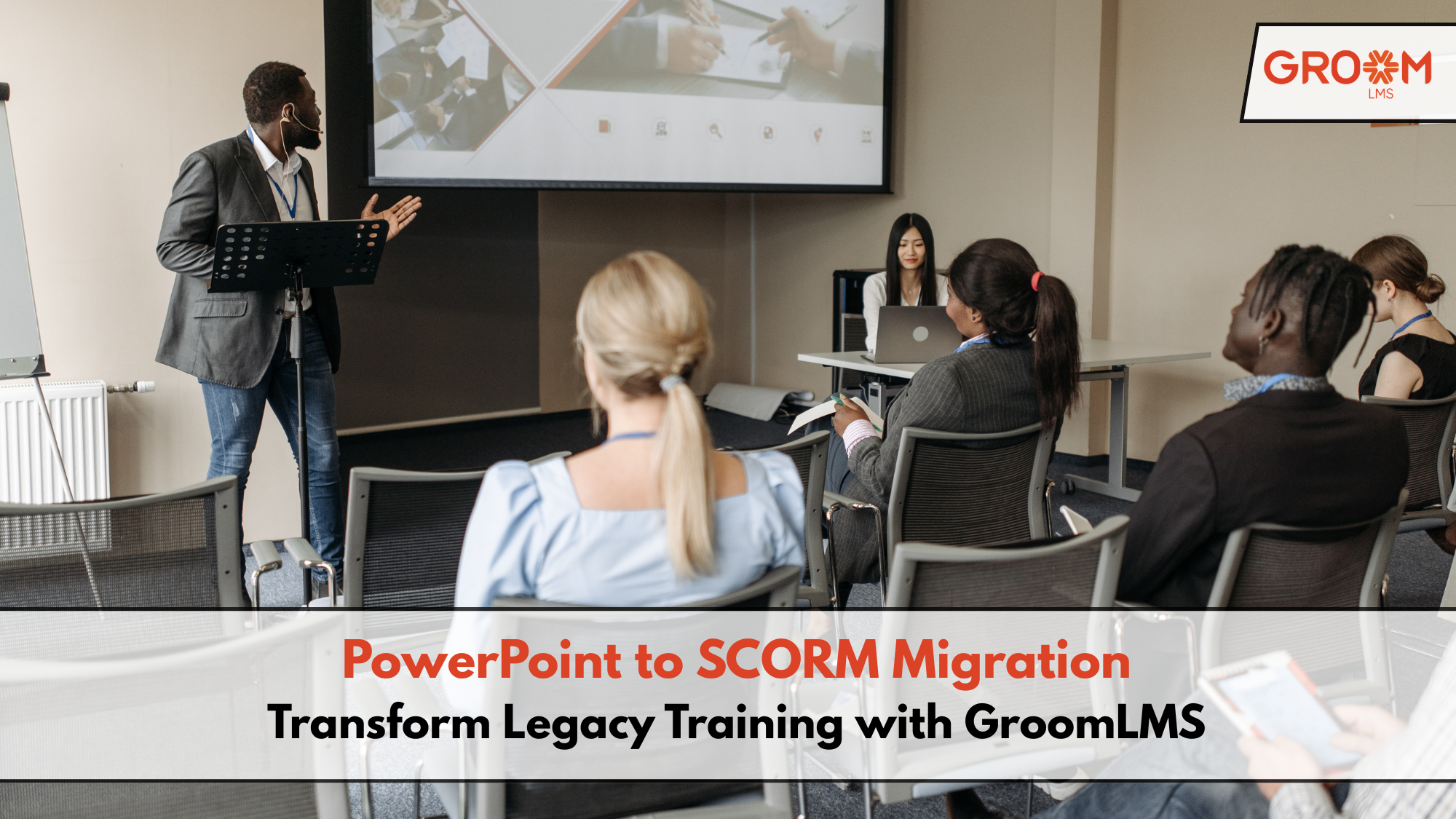
Many organizations still rely on PowerPoint presentations for employee training. These decks often contain years of valuable knowledge, onboarding materials, compliance information, and technical training. However, while PowerPoint is excellent for creating presentations, it falls short as a complete digital learning solution.
Without learner tracking, assessments, reporting, or certifications, organizations struggle to measure training effectiveness. As businesses grow, manually managing hundreds of PowerPoint files becomes increasingly difficult.
This is where PowerPoint to SCORM migration becomes a game changer.
Instead of rebuilding every course from scratch, organizations can convert existing presentations into interactive, SCORM-compliant learning modules that work seamlessly inside an LMS like GroomLMS. The result is a scalable, trackable, and engaging learning experience without losing years of existing content.
Let’s explore how organizations can successfully migrate from PowerPoint to SCORM while avoiding common challenges.
Why Traditional PowerPoint Training No Longer Meets Modern Learning Needs
PowerPoint presentations were never designed to manage enterprise learning.
Although they effectively communicate information during classroom sessions, they lack the features needed for today’s hybrid and remote workforce.
Common limitations include:
- No learner progress tracking
- No centralized course management
- No assessment analytics
- Difficult version control
- No automated certifications
- Limited accessibility across devices
- No learning reports for managers
Consequently, organizations often spend significant time following up with employees, manually recording completions, and updating outdated presentations.
Modern businesses require a learning system that automates these tasks.
What Is SCORM?
SCORM stands for Sharable Content Object Reference Model.
It is the global standard that allows e-learning content to communicate with Learning Management Systems.
When a PowerPoint presentation is converted into SCORM, organizations gain features such as:
- Learner tracking
- Completion status
- Quiz scores
- Time spent on each course
- Certificates
- Learning analytics
- Progress bookmarking
Instead of simply viewing slides, learners interact with structured digital courses while administrators gain complete visibility into training performance.
Why Organizations Are Migrating from PowerPoint to SCORM
The shift is not just about technology.
It is about improving learning outcomes while reducing administrative effort.
Organizations are moving because they want to:
Improve Learning Experience
Interactive courses increase learner engagement through quizzes, multimedia, branching scenarios, and knowledge checks.
Track Employee Progress
Managers can instantly identify:
- Completed courses
- Pending training
- Assessment scores
- Certification status
Standardize Training
Every employee receives the same learning experience regardless of location.
This improves consistency across departments and offices.
Reduce Manual Work
Automation eliminates spreadsheets, email reminders, and manual completion tracking.
A Typical PowerPoint to SCORM Migration Story
Imagine an organization with over 250 PowerPoint presentations used for onboarding, compliance, sales training, and product knowledge.
Every department stores its own copies.
Some versions are outdated.
Others contain inconsistent branding.
Employees attend live sessions, yet HR has no reliable way to confirm learning completion.
The L&D team decides to modernize training.
Instead of rebuilding every course, they follow a structured migration approach.
Step 1: Audit Existing Content
The team reviews all presentations and categorizes them based on:
- Relevance
- Accuracy
- Training objectives
- Update requirements
Old or duplicate presentations are removed.
Step 2: Improve Learning Design
Rather than uploading slides directly, instructional designers enhance each course by adding:
- Narration
- Interactive buttons
- Scenario-based learning
- Assessments
- Videos
- Knowledge checks
The result is a far more engaging learning experience.
Step 3: Convert to SCORM
Courses are exported into SCORM-compliant packages.
These files can now communicate with an LMS and record learner activity.
Step 4: Upload to GroomLMS
Once uploaded into GroomLMS, administrators can:
- Assign courses
- Create learning paths
- Schedule deadlines
- Generate reports
- Automate certifications
Training management becomes significantly easier.
Common Challenges During Content Migration
Although migration sounds straightforward, organizations often face several obstacles.
Outdated Content
Some presentations contain obsolete policies or processes.
Reviewing content before migration prevents learners from accessing inaccurate information.
Inconsistent Branding
Legacy presentations may use different logos, colors, and templates.
Migration provides the perfect opportunity to standardize learning materials.
Too Much Text
Many PowerPoint slides are overloaded with information.
Breaking content into smaller learning modules improves knowledge retention.
Lack of Interactivity
Employees rarely remain engaged with static slides.
Adding quizzes, simulations, and decision-making activities makes learning more effective.
Technical Compatibility
Not every conversion tool produces fully compliant SCORM files.
Testing each course inside the LMS ensures smooth performance.
Best Practices for Successful PowerPoint to SCORM Migration
Organizations can simplify migration by following these best practices.
Start with High-Priority Courses
Focus on:
- Employee onboarding
- Compliance training
- Product knowledge
- Sales enablement
These courses typically deliver the highest business impact.
Keep Modules Short
Instead of a 100-slide presentation, divide content into bite-sized learning modules.
Microlearning improves completion rates.
Add Assessments
Knowledge checks help reinforce learning while measuring understanding.
Include:
- Multiple-choice questions
- Scenario-based questions
- Interactive exercises
Include Multimedia
Videos, animations, voiceovers, and graphics increase learner engagement.
Avoid relying solely on text.
Test Before Deployment
Review every course across different devices and browsers.
Verify that:
- Progress saves correctly
- Scores report accurately
- Navigation functions properly
Testing minimizes learner frustration after launch.
How GroomLMS Simplifies PowerPoint to SCORM Migration
Migrating content should not require constant IT assistance.
GroomLMS helps organizations independently manage digital learning with an intuitive platform designed for scalability.
Key capabilities include:
Easy Course Management
Upload SCORM-compliant courses and organize them into structured learning paths.
Automated Learning Administration
Reduce repetitive tasks through automated:
- Enrollments
- Notifications
- Certifications
- Learning reminders
Detailed Reporting
Track learner performance through dashboards showing:
- Course completion
- Assessment scores
- Progress reports
- Compliance status
These insights help L&D teams measure training effectiveness.
Scalable Learning Platform
Whether training 100 employees or 10,000, GroomLMS grows alongside organizational needs without adding unnecessary complexity.
End-to-End E-Learning Support
Beyond LMS functionality, GroomLMS also supports organizations with:
- Instructional design
- Multimedia development
- Assessments
- Content localization
- Complete e-learning program execution
This allows businesses to modernize learning while preserving valuable legacy knowledge.
Benefits Beyond Content Migration
PowerPoint to SCORM migration delivers value that extends beyond digitizing presentations.
Organizations also experience:
- Faster onboarding
- Better compliance tracking
- Reduced administrative workload
- Improved learner engagement
- Consistent employee development
- Easier content updates
- Better decision-making through analytics
As digital learning continues to evolve, organizations that modernize legacy content position themselves for long-term success.
Rather than treating migration as a technical task, forward-thinking businesses view it as an opportunity to transform the entire learning experience.
Conclusion
PowerPoint presentations have served organizations well for years, but modern learning requires more than static slides. By embracing PowerPoint to SCORM Migration, businesses can transform existing training materials into interactive, measurable, and scalable learning experiences.
A thoughtful migration process helps preserve valuable knowledge while improving engagement, tracking, and operational efficiency. With features like automated course management, detailed reporting, certifications, and scalable learning delivery, GroomLMS enables organizations to modernize training without unnecessary complexity or continuous IT dependence.
Investing in SCORM-ready content today creates a stronger foundation for future learning initiatives, ensuring employees receive consistent, high-quality training that supports business growth.
Transform Your Corporate Learning with GroomLMS
Discover how GroomLMS empowers your organization to streamline training, enhance learner engagement, and deliver impactful learning experiences with an AI-powered LMS built for growth.
Request a Personalized Demo | Schedule a Consultation | Chat with Our Team
Frequently Asked Questions (FAQs)
What is PowerPoint to SCORM migration?
PowerPoint to SCORM migration is the process of converting PowerPoint presentations into SCORM-compliant e-learning courses that can be uploaded to a Learning Management System for tracking, reporting, and learner management.
Why should organizations convert PowerPoint presentations into SCORM courses?
SCORM courses provide learner tracking, assessment reporting, completion records, certifications, and analytics that traditional PowerPoint presentations cannot offer.
Can GroomLMS host SCORM-compliant courses?
Yes. GroomLMS supports SCORM-compliant learning content, allowing organizations to upload, manage, assign, track, and report on employee training through a centralized platform.
Does migrating to SCORM require rebuilding every PowerPoint presentation?
No. Many existing presentations can be enhanced with interactive elements and converted into SCORM packages, reducing redevelopment time while preserving valuable training content.
Which courses should organizations migrate first?
High-impact courses such as employee onboarding, compliance training, health and safety, product knowledge, and sales training should usually be prioritized because they affect the largest number of learners and require regular updates.